
What is SaveReels?
SaveReels prepares an MP4 file from an accessible public Instagram Reel or single-video post. Check the preview before downloading; the prepared result shows the filename and size so you can identify it in your browser downloads.
Paste a public Instagram Reel or single-video post link to preview and save it as MP4. No Instagram login or app installation is required. Available quality depends on the original video.
Supports public instagram.com/reel/... URLs and public single-video instagram.com/p/... URLs.
Sends the Instagram URL, selected format and last error/stage. Do not send passwords or account cookies.
SaveReels prepares an MP4 file from an accessible public Instagram Reel or single-video post. Check the preview before downloading; the prepared result shows the filename and size so you can identify it in your browser downloads.
Screenshots show the English interface. Button labels change with your selected language.
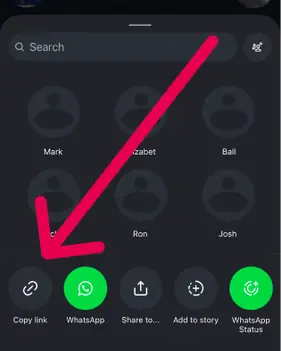
Open Instagram and copy the link to the public video post or Reel you want to download.
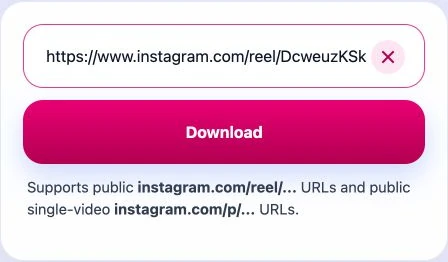
Paste the Instagram URL into SaveReels and preview the video before downloading.
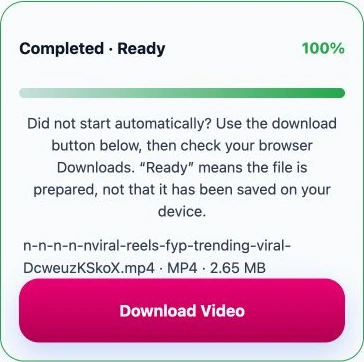
Save the prepared MP4. The resolution depends on the media available from the source post; HD is not available for every video.
| Link or post type | What to expect |
|---|---|
| instagram.com/reel/… | A public Reel with accessible video media can be saved as MP4. |
| instagram.com/p/… | Supported when the public post contains one video. A /p/ URL can also be an image or carousel, which this tool does not support. |
| Stories, Highlights, profiles and carousels | Not supported. Copy the link to an individual public Reel or single-video post. |
| Private, deleted or restricted content | Not accessible through SaveReels. A post that opens in your signed-in app may still be unavailable to the downloader. |
Compare the preview with the original post. When preparation finishes, SaveReels shows the filename, format and file size. The download starts automatically; the visible Download Video link lets you try again if your browser blocks it.
The MP4 uses media available from the source post. HD is not available for every video, and a low-resolution upload cannot be improved by downloading it. Text, captions and logos already inside the video remain in the file.
Use Instagram to MP3 for the audio from a supported video or Reel. The video tool saves MP4; the audio tool prepares a separate MP3 file.
Learn the safest ways to copy public Instagram links, download videos on any device, and solve common downloader issues.
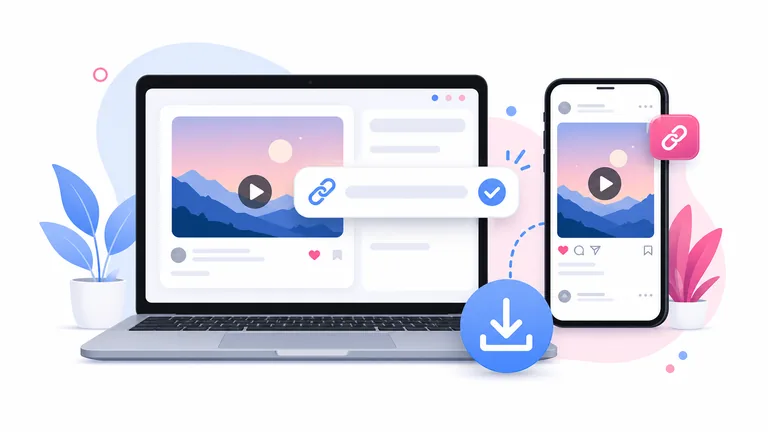
Learn how to download public Instagram videos and Reels online in HD MP4. Copy a link, paste it into SaveReels, preview, and save the video.
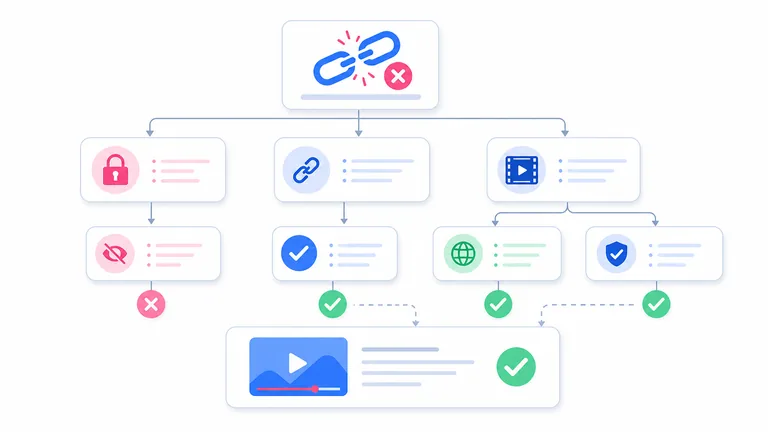
Match the problem to the next step: unsupported links, unavailable posts, audio errors, expired downloads and files that do not appear on your device.
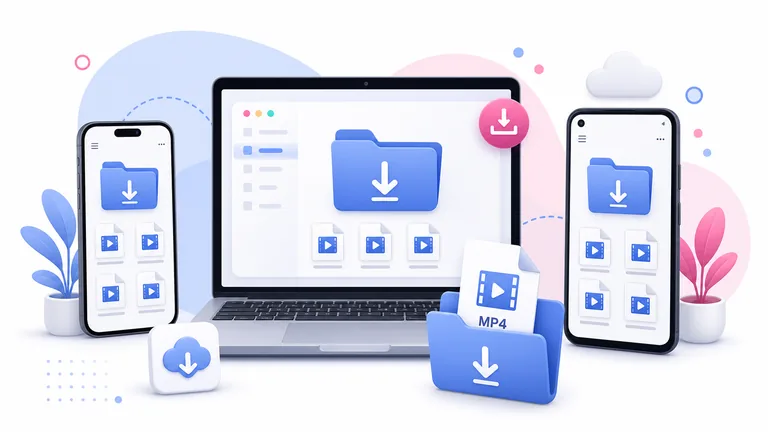
Check whether the download finished, find the file on your device and learn why an MP3 does not appear in Photos.
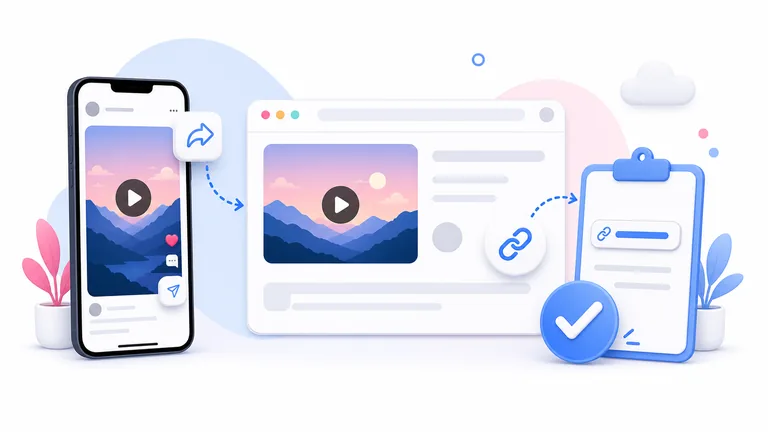
Learn how to copy an Instagram video or Reel link on iPhone, Android, and desktop before using an Instagram video downloader.
instagram.com/reel/... and instagram.com/p/... links. Image posts, carousels, Stories, Highlights, and private content are not supported in this version.